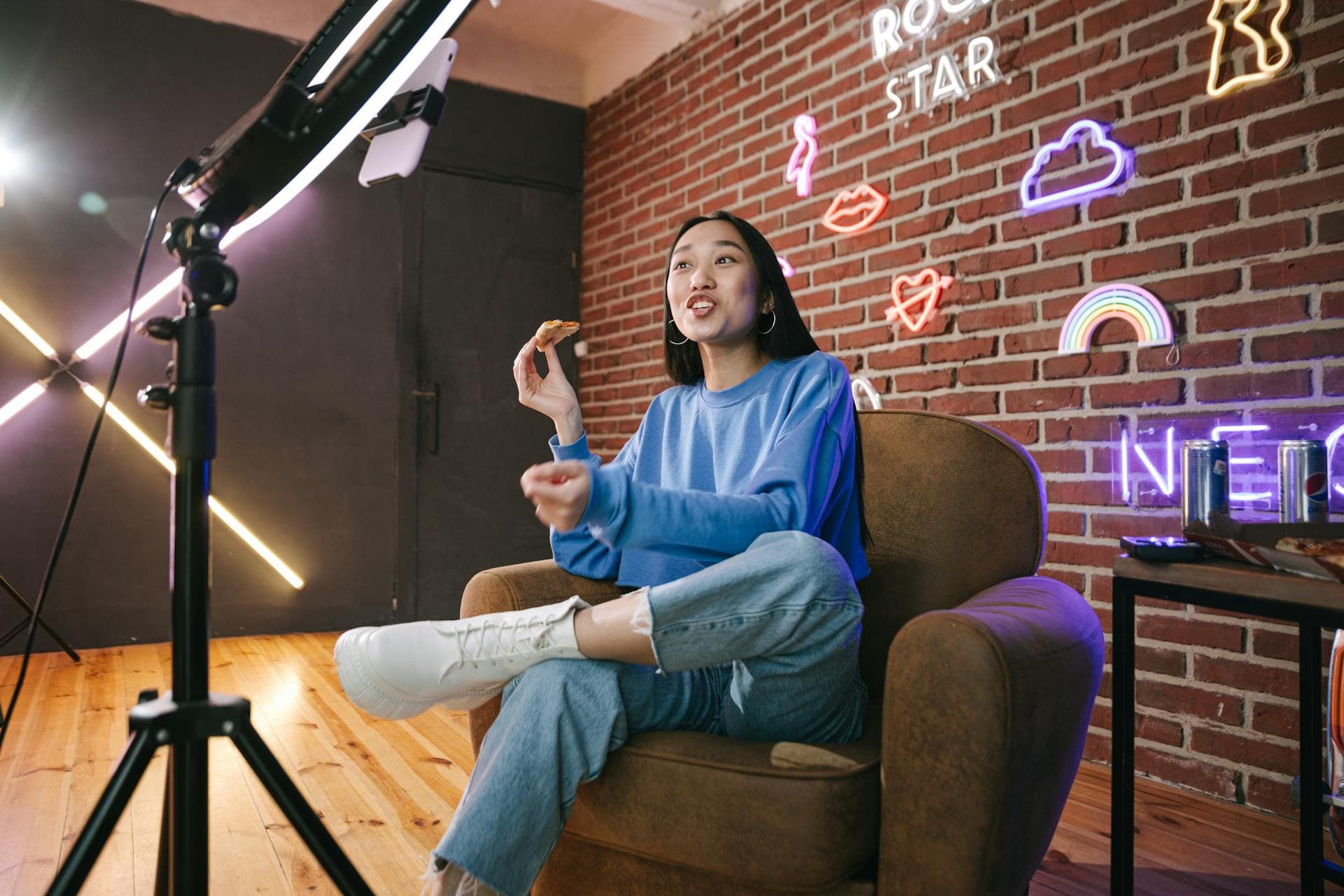
Live streaming studio in London, built for the moment.
Take podcasts, panels, launches and webinars live with a production plan built around the audience, platform and programme. CTRL coordinates cameras, sound, graphics, remote guests and technical monitoring before the broadcast begins.
Go live with a plan, not a collection of cables.
A successful stream starts before the audience arrives. CTRL scopes the destination, running order, contributors, camera coverage, audio, graphics and backup recording so the production team knows what must happen at every stage.
The result is a controlled live streaming studio workflow for London brands, creators and production teams that need the broadcast to feel considered on screen.
Platform planning
Confirm the destination, access, stream settings and audience journey before production day.
Multi-camera switching
Build live coverage around presenters, guests, panels and product moments.
Broadcast audio
Monitor in-room microphones and contributor audio throughout the programme.
Remote contributors
Plan call-in guests, return feeds and rehearsal requirements around the format.
Brand graphics
Add supplied titles, lower thirds, holding screens and visual assets to the scope.
Recording and delivery
Agree the local master, platform recording and any post-broadcast edit in advance.
Blackmagic Design ATEM Mini Extreme
The ATEM Mini Extreme sits at the centre of CTRL live productions. It lets the operator switch and monitor cameras, presentation laptops, playback and other HDMI sources from one broadcast control surface, while managing programme output, graphics and recording.
Manufacturer technical specifications ->8 HDMI inputs
Connect cameras, computers, presentations and playback sources to the live production.
16-view multiview
Monitor sources, preview, programme, audio and streaming status on one display.
2 HDMI outputs
Route programme and monitoring views independently around the production setup.
Live compositing
Use picture-in-picture, chroma keying, transitions, titles and supplied brand graphics.
Hardware streaming
Stream directly over Ethernet without making a software encoder the centre of the workflow.
Programme recording
Capture the switched H.264 programme to USB storage for the agreed local master.
From brief to broadcast, every signal has a job.
Define the live brief
Share the platform, audience, programme length, contributors, brand assets and desired outputs.
Build the production plan
CTRL scopes crew, cameras, graphics, remote guests, monitoring and recording requirements.
Preflight and rehearse
Check access, feeds, audio, visuals and the running order before the stream opens.
Broadcast and deliver
Run the live programme, monitor the technical path and deliver the agreed recording files.
A live format for more than podcasts.
Use the studio for audience-facing broadcasts or secure organisational programming. Every production is quoted around its technical and editorial requirements.
- Live podcast episodes
- Panel discussions
- Product launches
- Webinars
- Internal communications
- Branded broadcasts
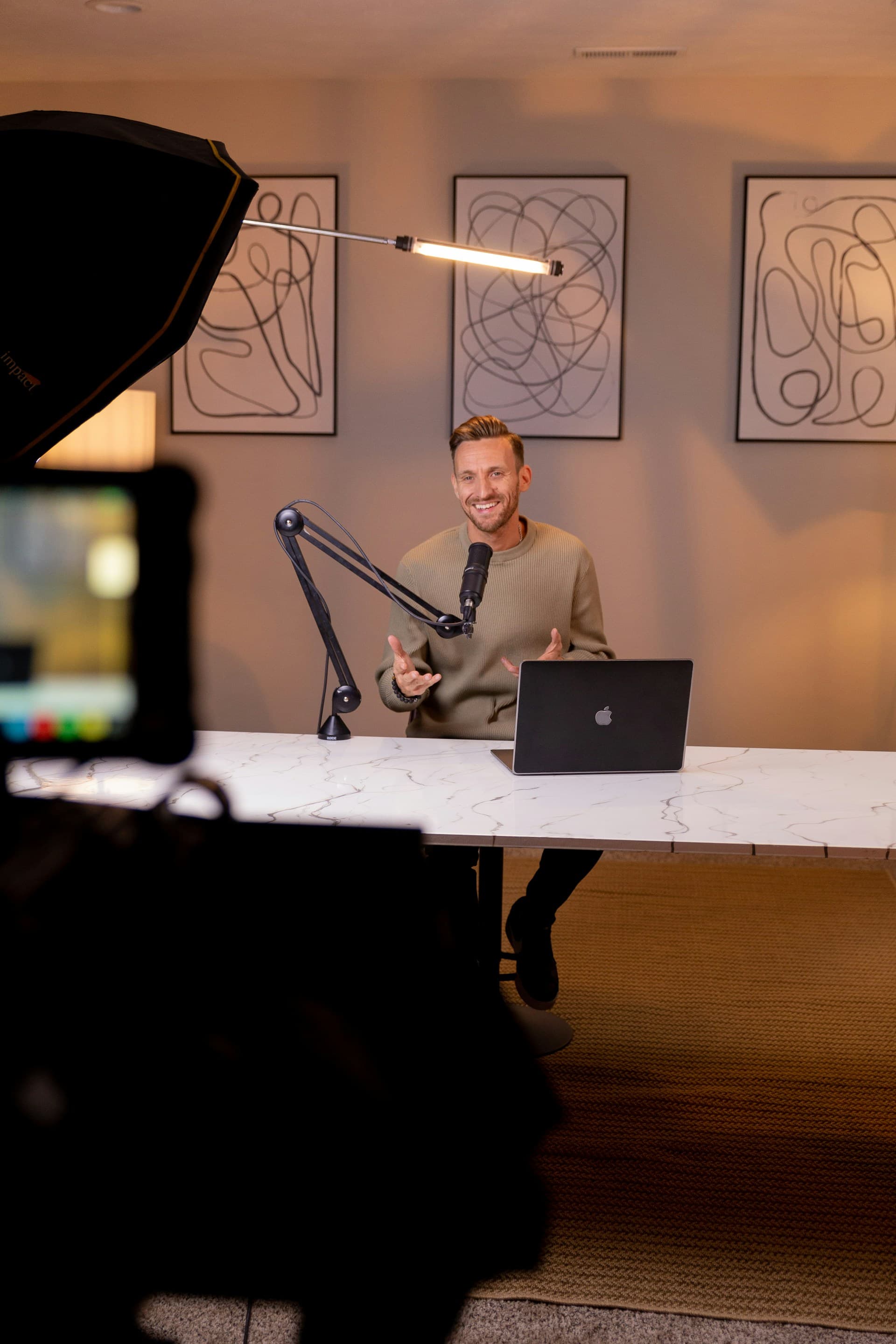
Before you go live.
CTRL can scope live podcasts, panel discussions, webinars, launches, internal communications and branded broadcasts. The platform, audience access and production requirements are confirmed before the session.
Tell us what the audience needs to see.
Send the platform, date, programme format and contributor plan. CTRL will return with the crew, technical scope and quote.
Plan a live broadcast