How to record a podcast with a remote guest
A reliable workflow for local hosts and remote contributors, including monitoring, separate tracks and clean handovers.
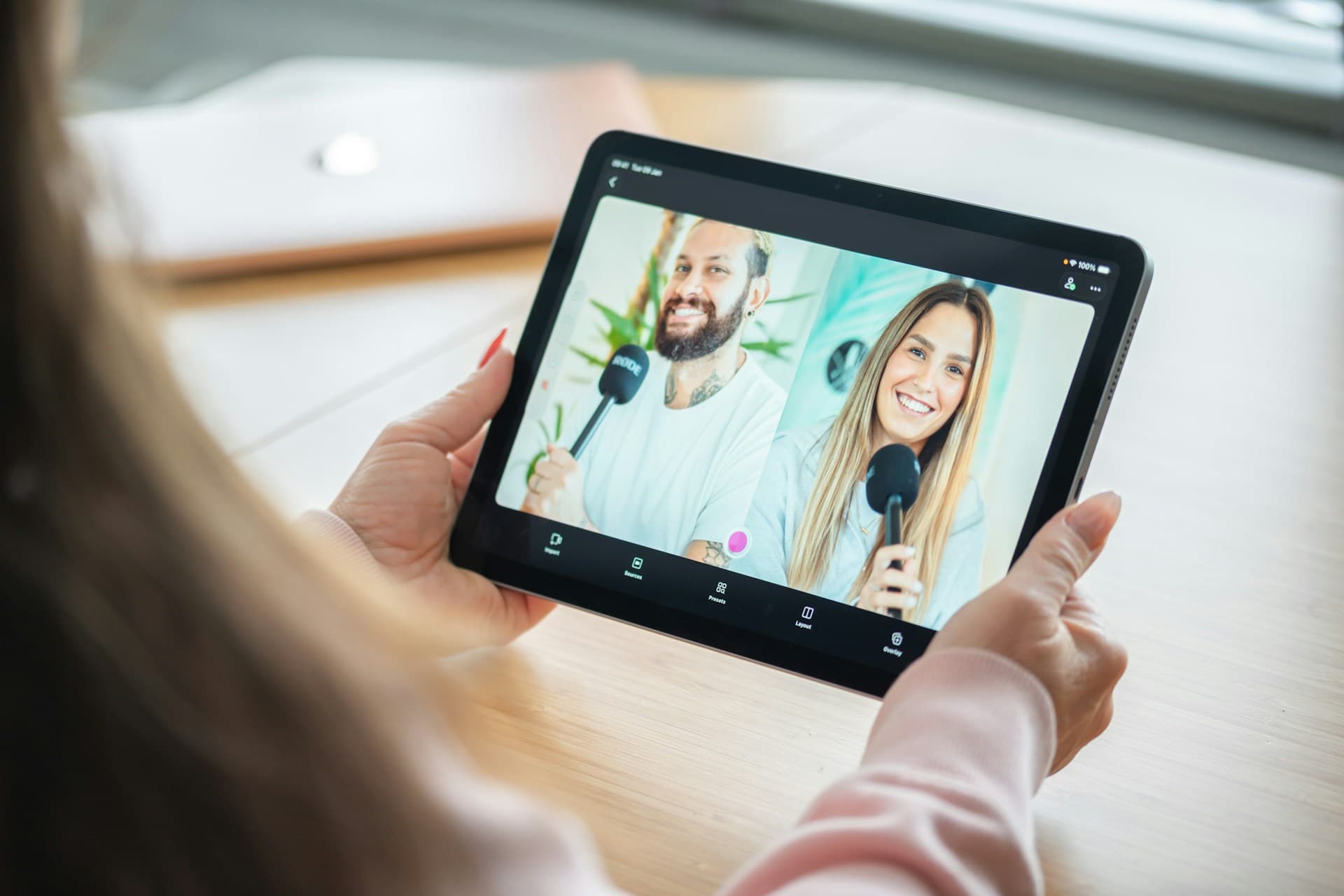
A remote guest can sound as though they are part of the room when the session is planned around separate recording, reliable monitoring and a simple joining process. The video call itself should not be the only recording.
The safest workflow captures each participant locally, gives the engineer control over the return audio and keeps a backup running in case the connection changes.
Prepare the guest before the call
Send one short instruction email covering the joining link, browser, headphones, microphone position and internet connection. Ask the guest to find a quiet room with soft furnishings and silence notifications before the session.
A ten-minute technical check catches most problems: wrong microphone selection, Bluetooth switching, echo, poor framing and corporate firewalls. Solving these before the interview protects the energy of the actual conversation.
Use separate tracks and active monitoring
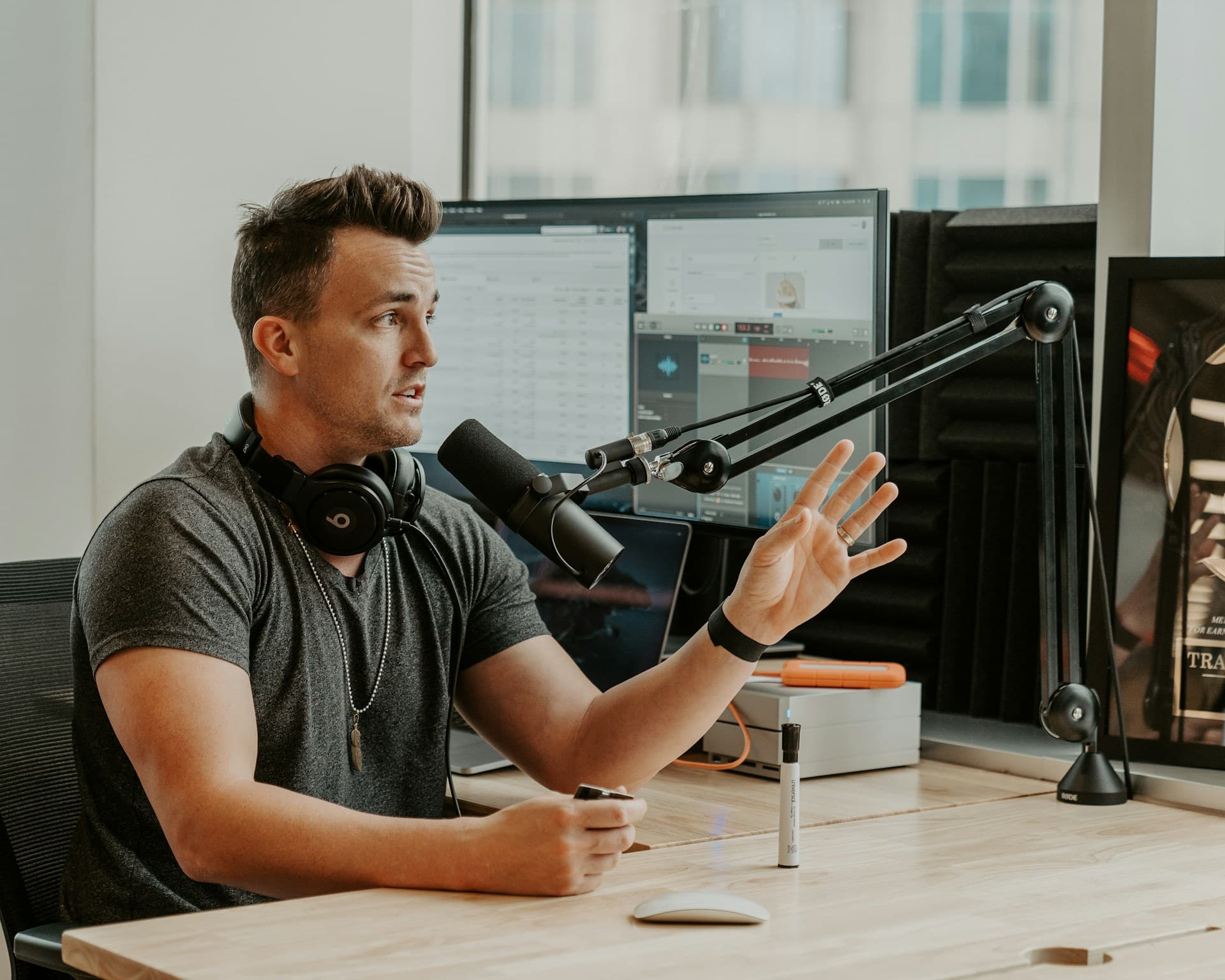
Platforms such as Riverside, SquadCast or a suitable remote recording workflow can capture higher-quality local files from each participant. The studio engineer monitors the call, microphone tracks and return mix while the host focuses on the guest.
Separate files give the editor control over interruptions, level differences and connection artefacts. A backup recording provides resilience if a local upload fails.
- Headphones for every participant to prevent echo
- A local microphone track for each voice
- A stable wired connection where available
- A backup call or mixed recording
Design the conversation for the delay
Even a strong connection can introduce a small delay. Hosts should leave a little more space after questions and avoid rapid interruptions. Visual cues on the call help, while an engineer can flag technical issues without derailing the interview.
CTRL supports remote guest recording as part of its video and audio production workflow. Tell the team where the guest will join from and what platform restrictions apply when booking the session.